Useful defaults
45-75
characters per line is still the fastest way to catch a layout drifting out of reading range.

Field guide for readable interfaces
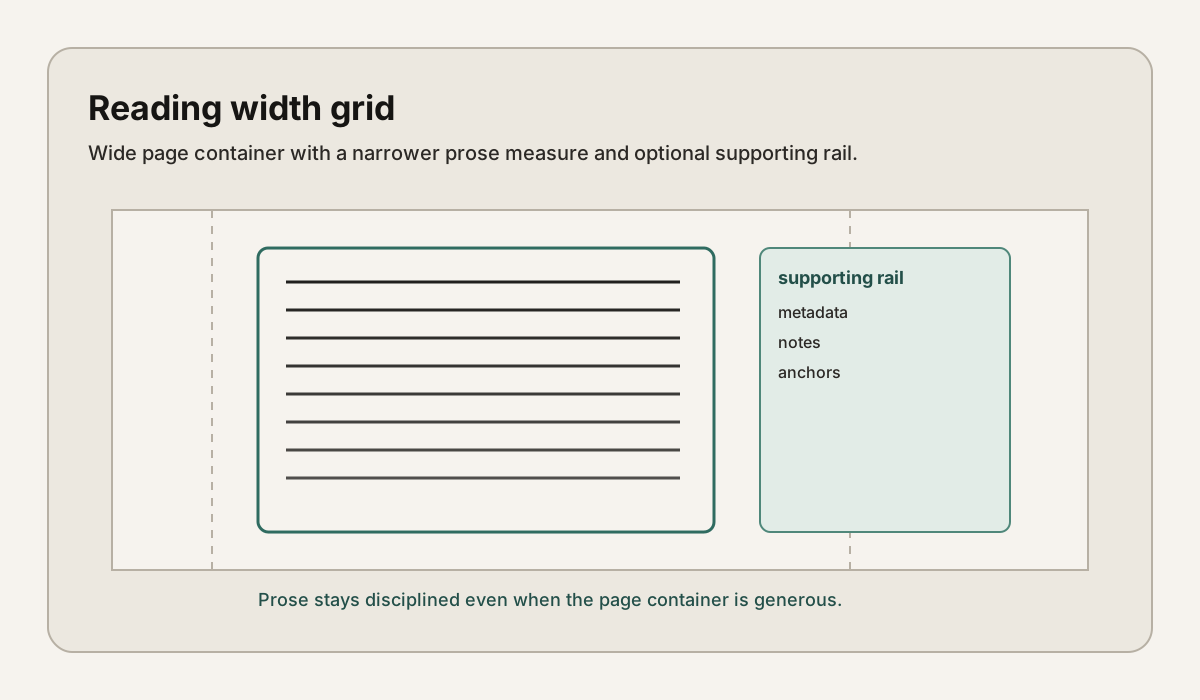
Column Width is an editorial toolkit for designers and developers who want text-heavy pages to feel quieter, clearer, and easier to stay inside.
Reading block specimen
When the line runs long, the eye spends more effort relocating the next start point than it should.
A tuned measure settles the page. The text stops performing and starts reading.
Why this exists
Useful defaults
45-75
characters per line is still the fastest way to catch a layout drifting out of reading range.
Editorial rhythm
3
layers matter most: measure, line-height, and spacing around text blocks.
Working artifact
1
interactive lab turns advice into something you can tune, copy, and share.
Flagship tool
Tune width, size, and line-height. Watch the reading block tighten or loosen in real time. When it feels right, copy the CSS and keep moving.
Launch the lab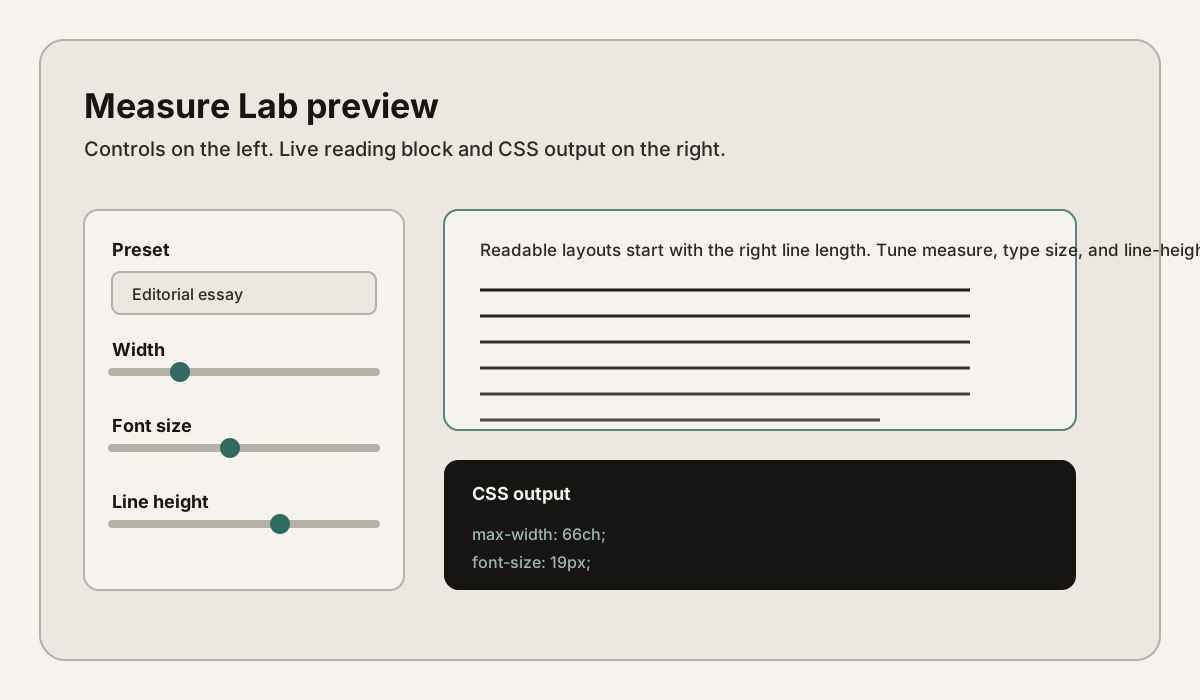
Working collection
A practical baseline for line length, responsive typography, and when to break the rules.
PatternsPull quotes, sidenotes, captions, and text-heavy layouts tuned for calm reading rhythm.
Measure LabAdjust width, type size, and leading. Export a CSS snippet once the column feels right.
MethodologyScope, assumptions, and what this field guide deliberately refuses to oversimplify.
Symptoms
Column Width